
Fundpeak widgets can usually be added to WordPress with a Custom HTML, Embed, or page-builder code block.
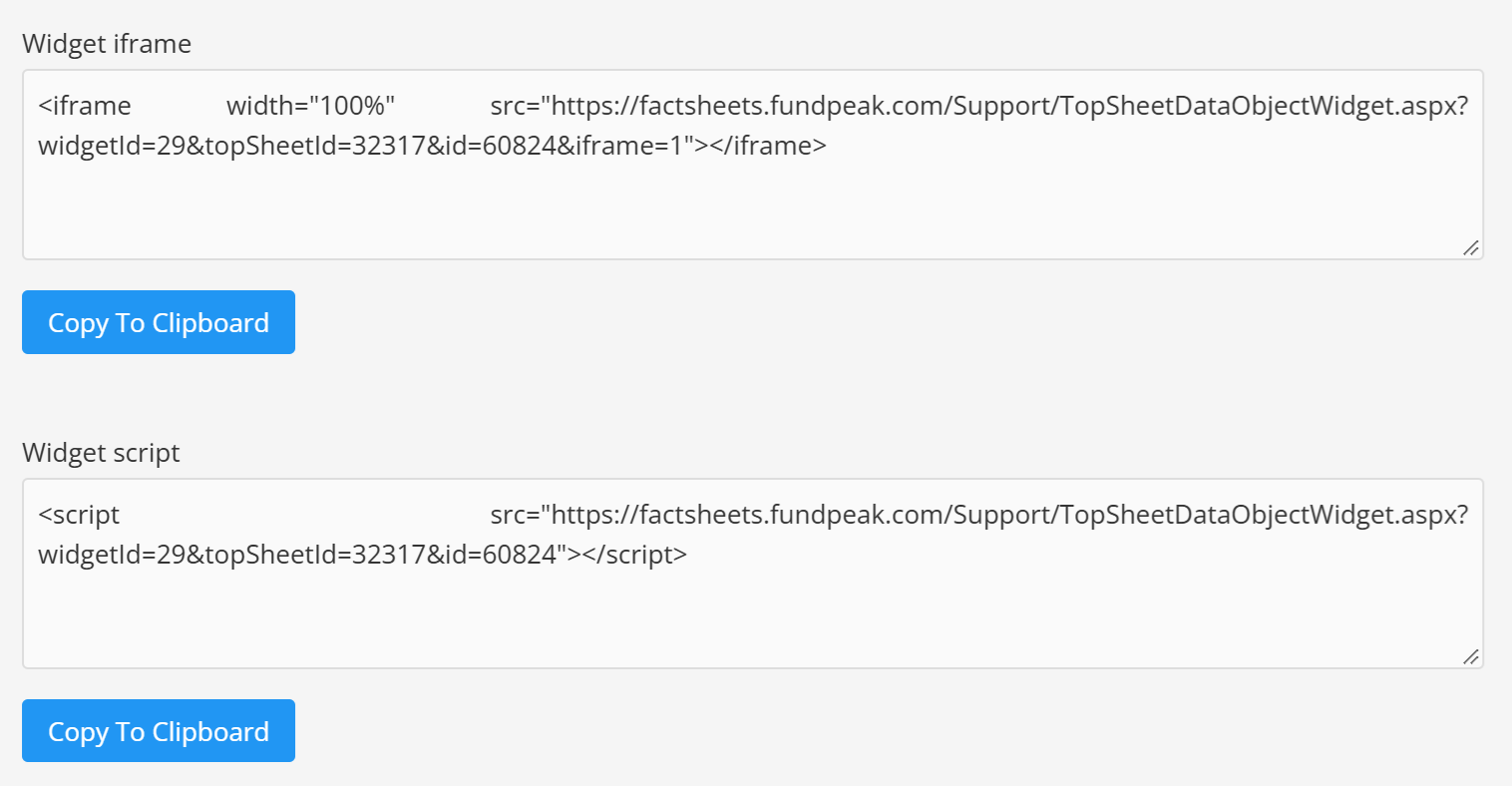
Recommended method
- Copy the iframe or widget code from TopSheets.
- Open the WordPress page or post and add a Custom HTML or Embed block.
- Paste the code, save the page, and check the public preview.
An iframe is usually the most reliable option because some WordPress editors, security plugins, user roles, or hosting configurations remove script tags.
If WordPress removes the code
- Try the iframe version of the widget.
- Check whether your WordPress role is allowed to add custom HTML.
- Ask your website administrator to review security or content-filtering settings.
For widget creation, language, refresh, and styling options, see What is a widget and how to add one to a website.
Continue your fund reporting workflow
This feature supports fund fact sheet automation and consistent report distribution. Continue with Fund factsheet production software and Fund manager websites.