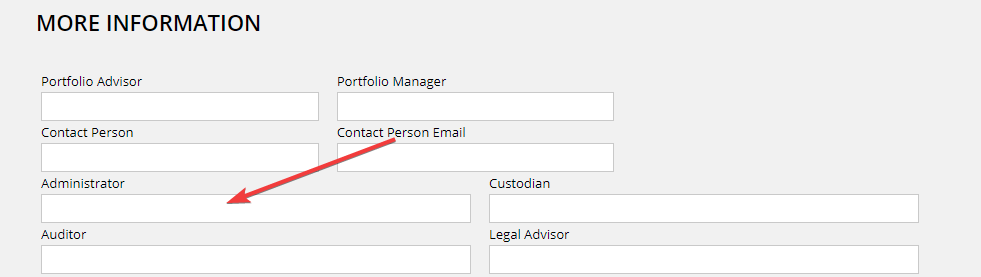
1) Open the general info table settings and add “administrator” item. See, this topic for more information
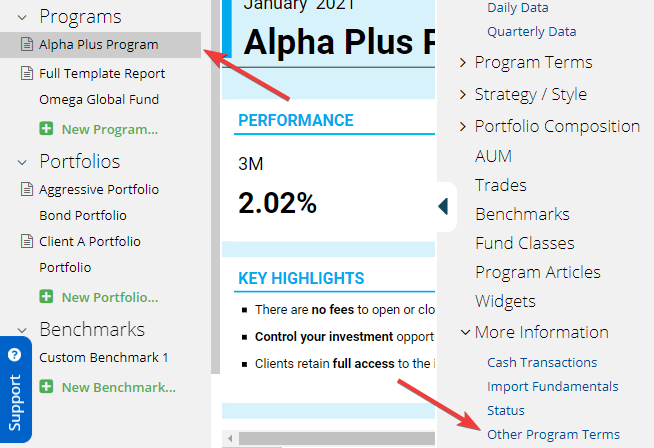
2) Select a program in the left frame. Then click more information / other program terms in the right frame.
3) Find the “administrator” field and fill it in. The value is program specific so this needs to be done for every program.