
Do you need another version of your factsheet with a different inception date, calculation method, or fee structure?
You do not need to duplicate the entire program. Instead, create a Fund Class.
A Fund Class uses the performance data from the main program while allowing you to configure selected settings independently. This helps you keep your data in one place and manage multiple factsheet versions more efficiently.
How to create a Fund Class
- Open the relevant program.
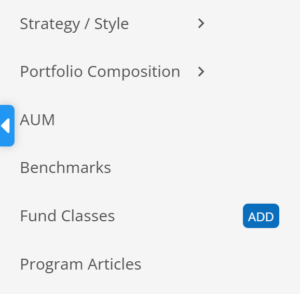
- Go to the Fund Classes section.
- Click Add.
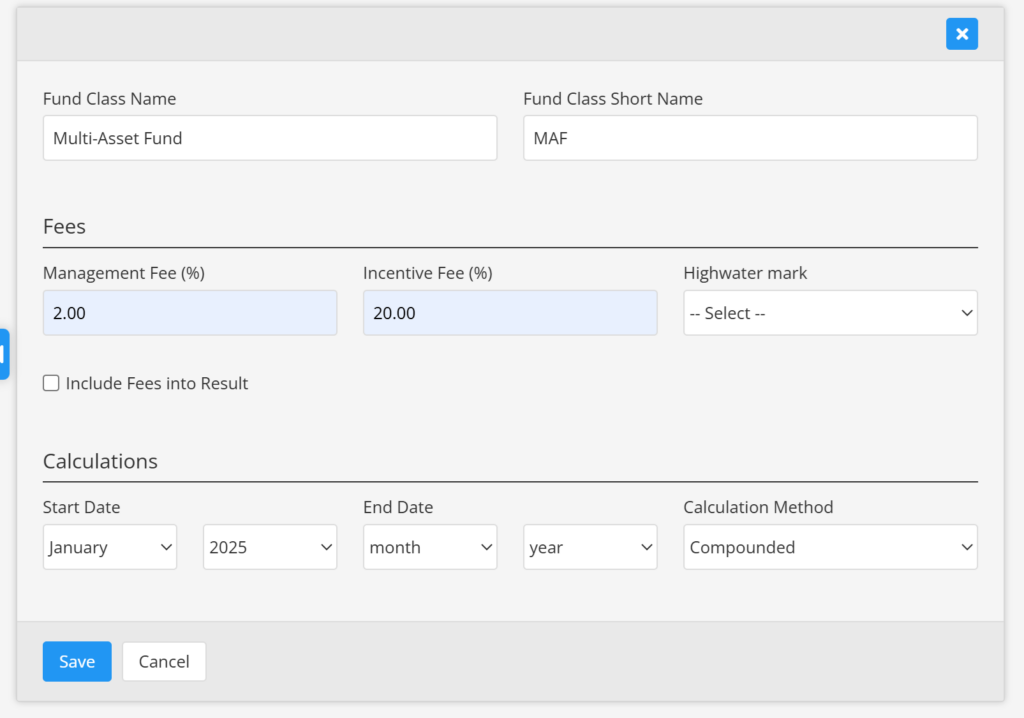
- Enter the Fund Class details and adjust its settings.
- Save your changes.
For each Fund Class, you can:
- Set a different start date, end date, or both
- Select a different calculation method
- Define different fees and include them in the performance results
Template settings
When you create a Fund Class, it always uses the template assigned to the main program.