
Holdings represent the positions in a portfolio. Top Holdings are a selected subset, usually the largest positions by portfolio weight.
Enter holdings manually
Open Portfolio Composition / Instruments to maintain portfolio positions, or Portfolio Composition / Top Holdings to maintain the selected top positions. Enter the holding name or ticker and the available values, such as weight or return contribution.
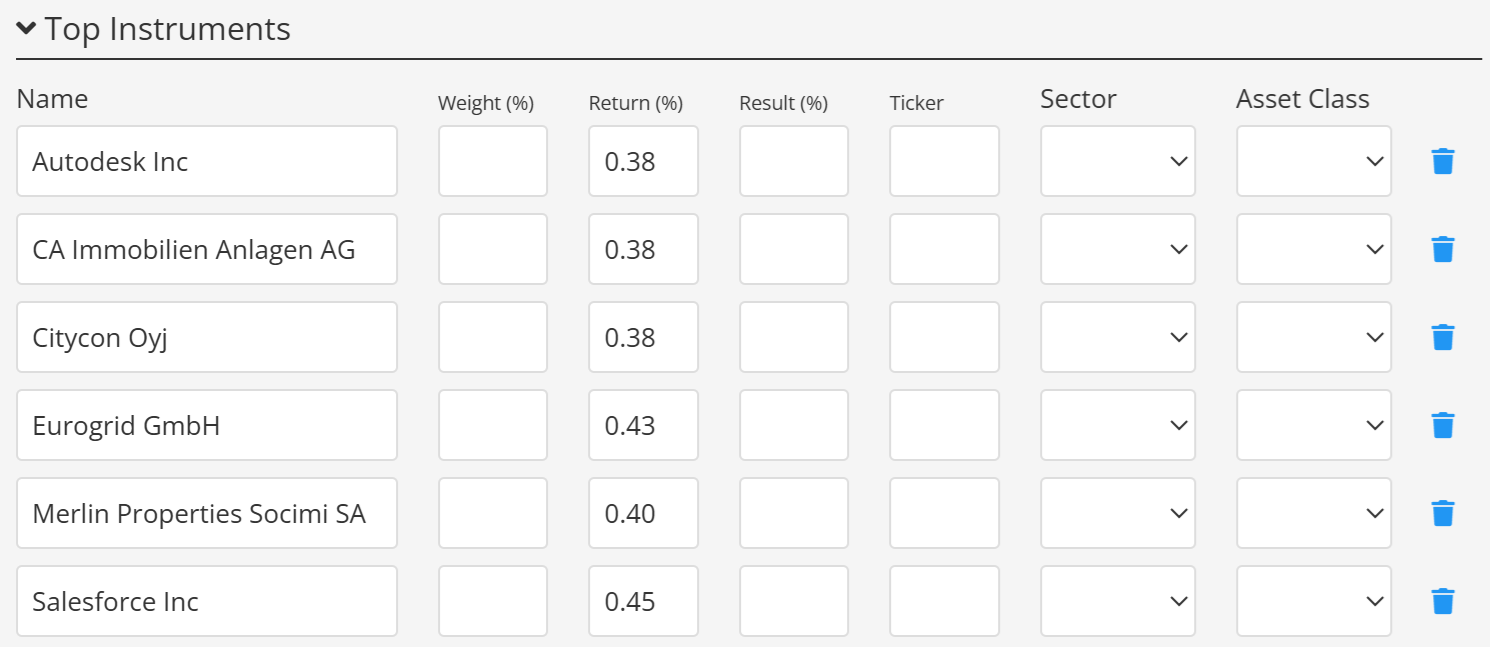
Import holdings
Holdings can also be uploaded from an Excel file. See Import portfolio composition for the supported workflow.
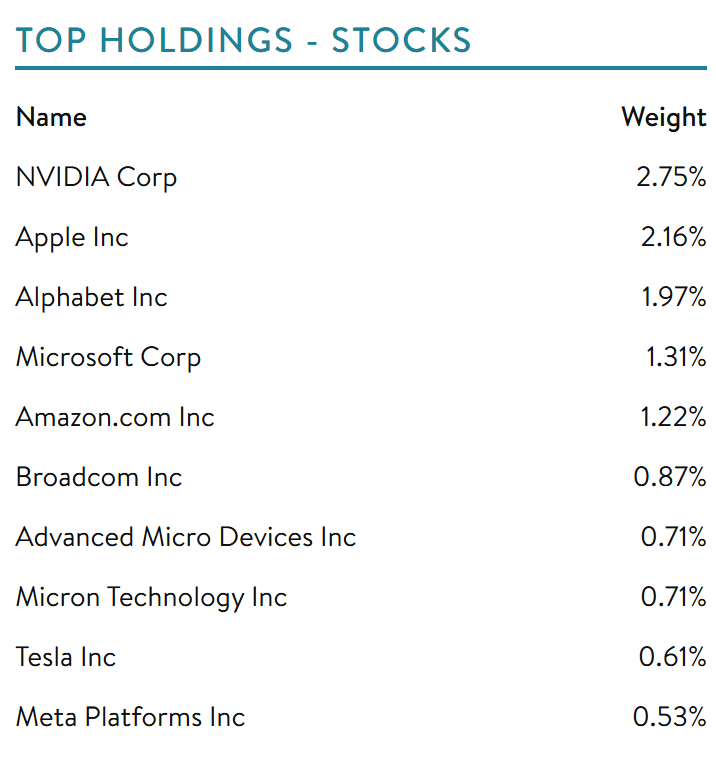
Display holdings in a factsheet
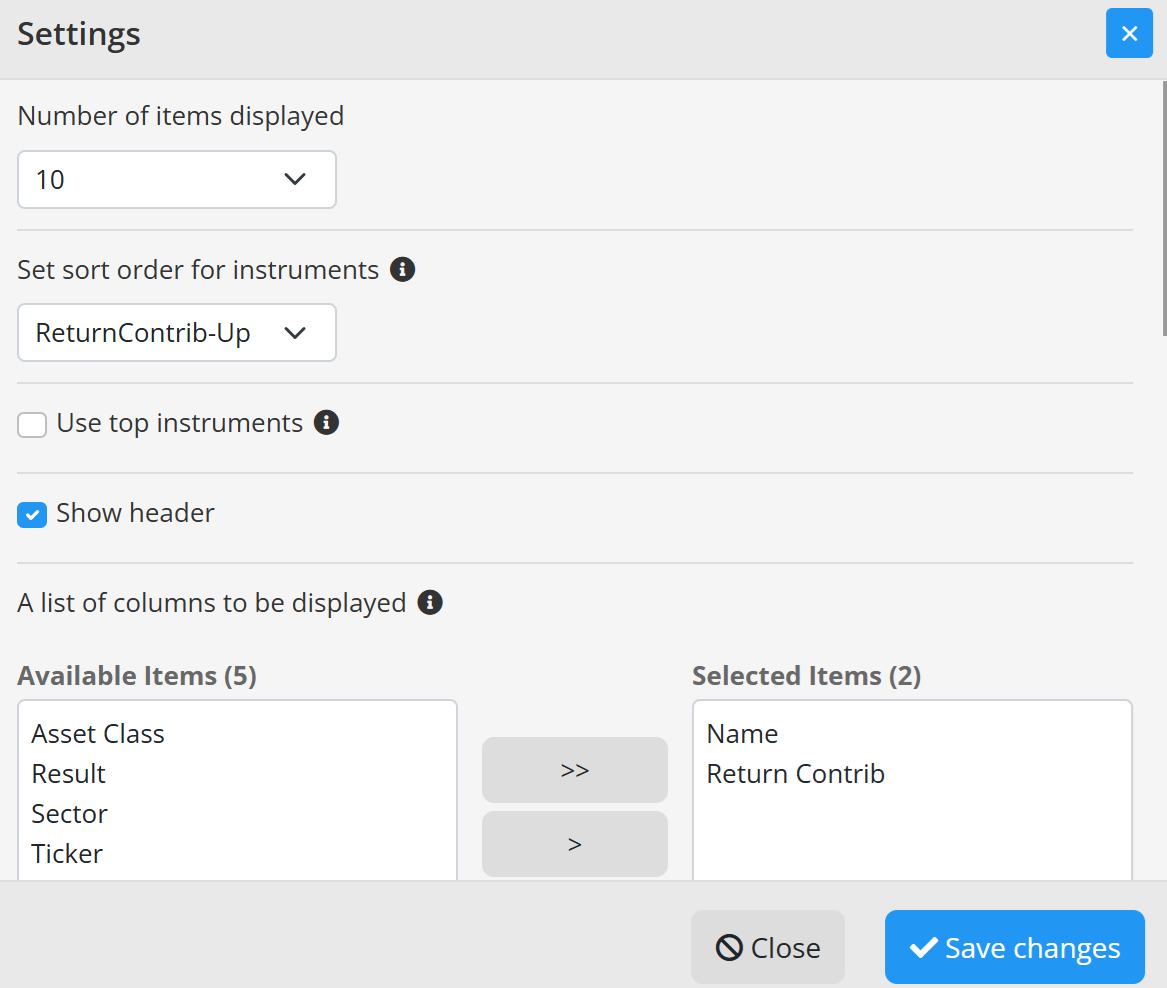
A factsheet can display holdings in a table or chart. Depending on the selected control, its settings can define the number of positions, displayed columns, data source, and grouping such as asset class or sector.
If the current template does not contain a suitable holdings control, add one in the Template Editor or request a custom template. Remember that a template change affects every program using that template.
Some custom templates can also highlight top movers or the largest positive and negative contributors.
See also Portfolio holdings and allocation templates.
Continue your fund reporting workflow
This feature supports structured portfolio composition reporting in fund factsheets. Continue with Fund factsheet production software and Contact Fundpeak.