
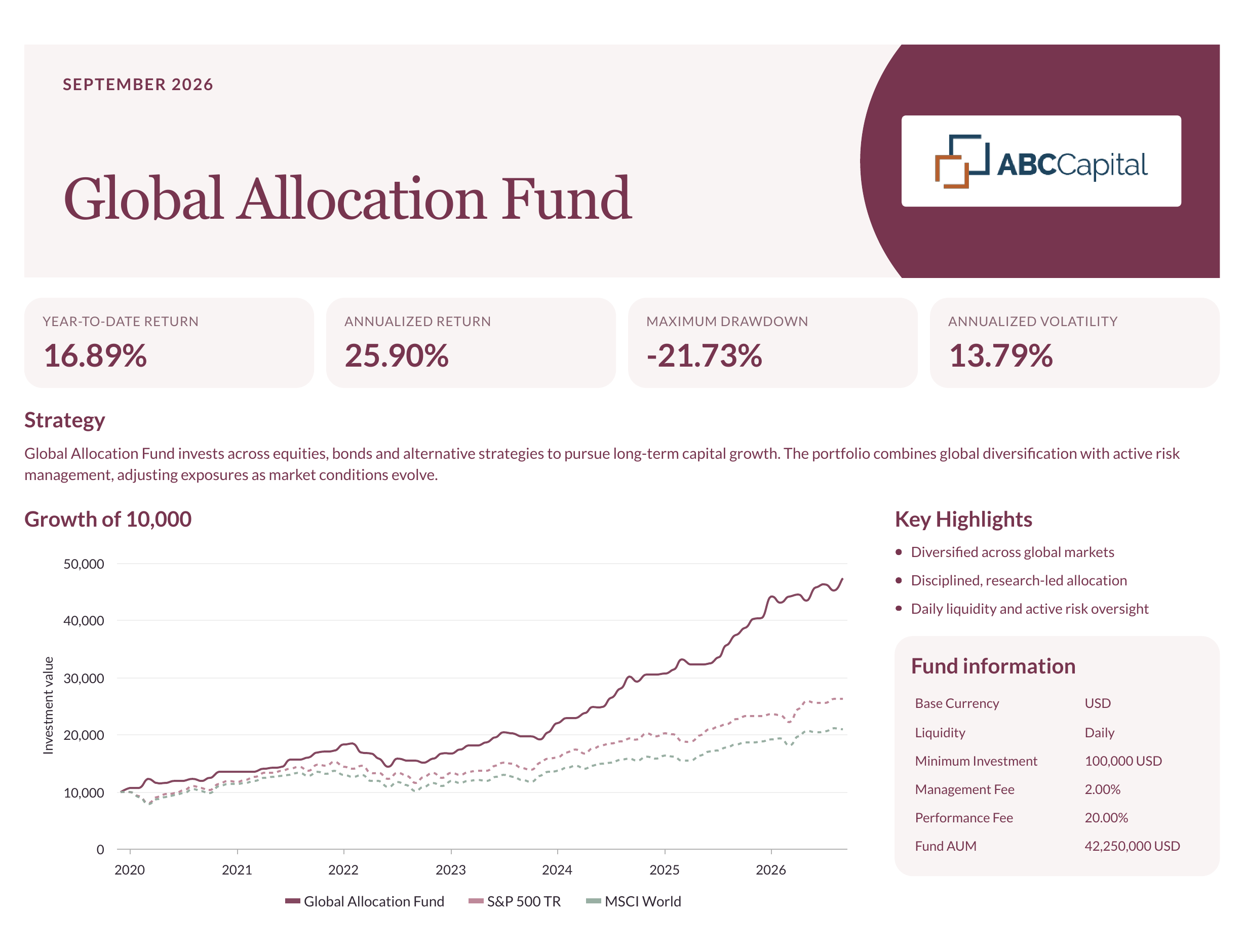
Strong fund factsheet software should turn controlled data into repeatable, reviewable reports—not merely export a PDF. Look for reliable imports and validation, reusable reporting logic and templates, support for report variants, clear permissions, and outputs that fit the way your team publishes.
Define the job before you compare software
Start by mapping one complete reporting cycle. Record where each input comes from, which calculations and disclosures apply, how many document variants are required, who reviews them and where the approved output is published. This turns a generic software search into a test of your actual operating model.
Inputs
List spreadsheets, administrators, internal systems and data providers, including late corrections.
Scale
Count funds, strategies, share classes, languages and reporting frequencies—not only today's PDFs.
Outputs
Identify every PDF, online report, website view and branded or jurisdiction-specific version.
Ownership
Name who prepares data, controls templates, reviews exceptions and approves release.
Look at real outputs early
Sample reports reveal more than a template count. Compare how different layouts handle charts, tables, long text, disclosures and brand rules. Then ask the vendor to reproduce the type of report your team actually needs.
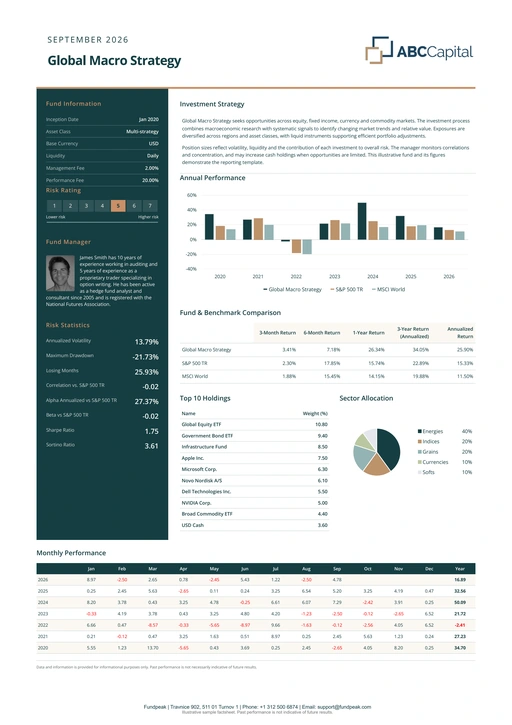
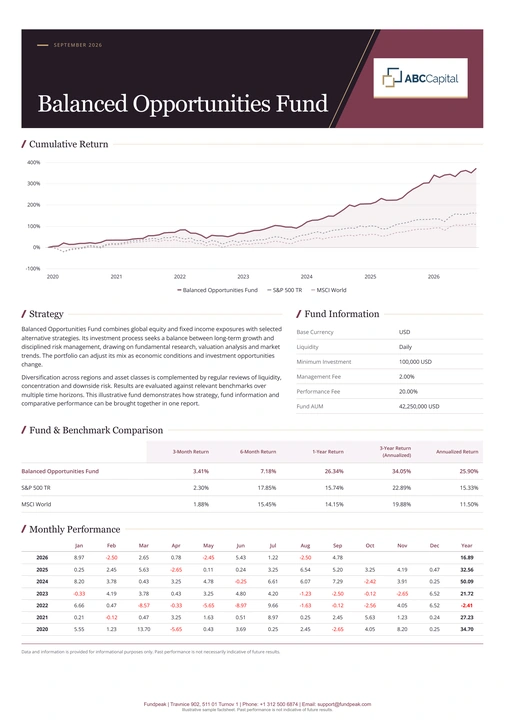
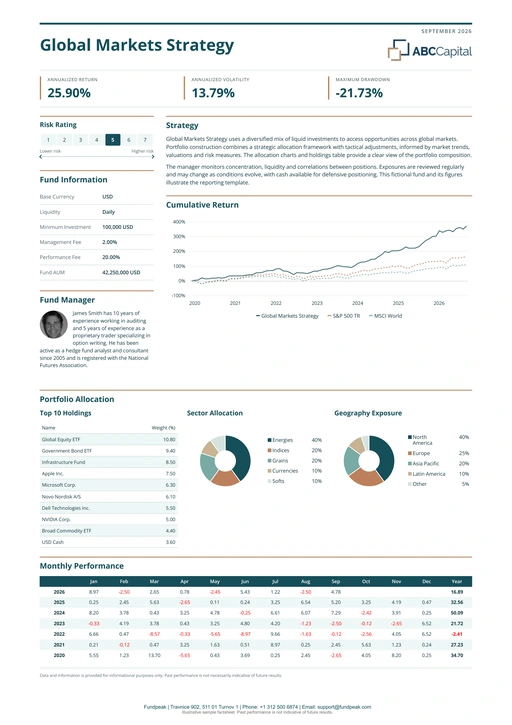
These are illustrative TopSheets samples. The full gallery is available on the fund factsheet production page.
1 · Data foundation
Data integration and validation
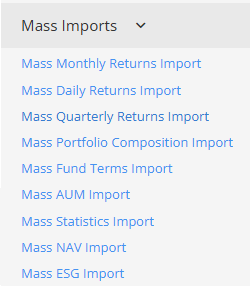
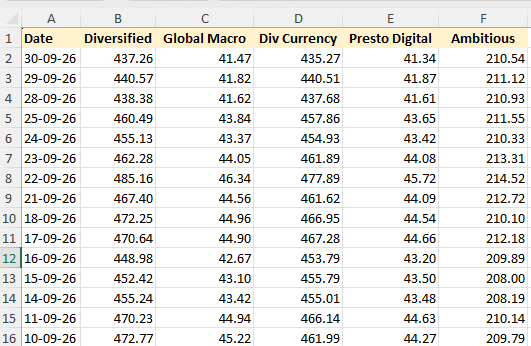
Start with the sources you use now: controlled spreadsheets, administrators, internal systems or service providers. Confirm that the software can accept practical structures for performance, portfolio composition, fund terms and other recurring inputs. Excel can remain a useful source; it does not need to remain the calculation, layout, versioning and distribution system as well.
During the demonstration, remove a required value, duplicate a record and change an identifier. The useful question is not whether a perfect file imports, but whether the team can see what is wrong, correct it and rerun the process safely. Technical validation still needs to be complemented by reconciliation and financial review.
2 · Reporting system
Reporting logic and template governance
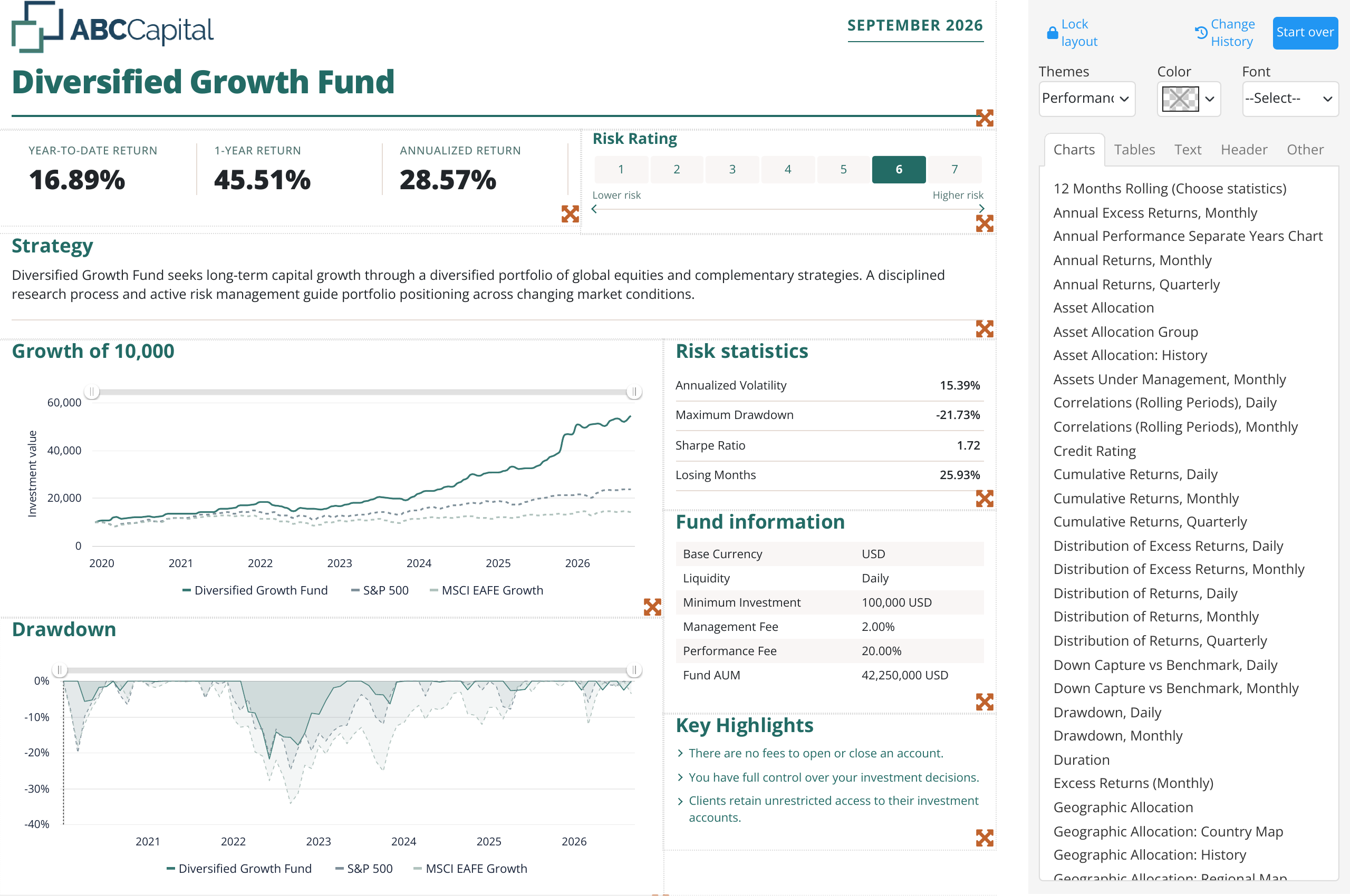
A template connects data fields, calculations, charts, tables, disclosures and branding. Check how calculations and mappings are configured, how a template is assigned to reports and whether a shared change can be applied without editing many separate files.
Use awkward examples: a long fund name, negative values, missing sections, a new share class and a second language. A drag-and-drop editor is valuable when it preserves reusable rules and makes changes reviewable; it is less useful if every report becomes an independent design.
3 · Repeatable production
Scale across funds, languages and delivery channels
Ask how the system distinguishes strategies, funds and share classes, and how common information is reused between them. Growth should not force the team to repeat the same update across several documents while manually preserving the differences that matter.
Include language versions and every delivery channel in the test. Confirm how PDFs and online factsheets are generated, named and corrected, and whether a regenerated output can be distinguished from an approved earlier version.
4 · Governance
Review, access and accountability
Permissions should reflect real responsibilities. A data preparer, template designer and final approver do not necessarily need the same access. Establish how the team can investigate a change and how a corrected report moves through review to release.
Security due diligence should cover authentication, data transfer and storage, backups, service resilience and access removal. No individual security feature replaces a review of the complete service. Human accountability also remains essential: automation can highlight exceptions and repeat approved steps, but it cannot own the final reporting decision.
5 · Commercial fit
Implementation, support and total cost
A realistic pilot should produce one representative report from your controlled sample data. Clarify who maps inputs, verifies calculations, prepares templates and trains users, then define what your team can change independently after launch.
Compare the subscription together with setup, custom templates, integrations, support, change requests and internal monthly effort. The lowest licence price is not necessarily the lowest operating cost. Fundpeak publishes current TopSheets plans and pricing; any comparison should still include the implementation scope that applies to your workflow.
A short demo scorecard
A strong demonstration should answer these questions with evidence:
- Can we use our current data without copying values into several reports?
- What happens when a file is incomplete, duplicated or incorrectly formatted?
- Can we explain a displayed result and the rules behind it?
- Can one controlled template update be reused across the right reports?
- Can we manage fund, share-class and language variants without duplicating the workflow?
- Who owns setup, exceptions, approval, support and future changes?
Common red flags
Only perfect demo data
No test of missing values, changed identifiers or corrections.
Feature count without fit
Many integrations or templates, but none tested against your process.
“Fully automated” approval
No clear place for accountable review and exception handling.
Unclear implementation
A low headline price with undefined setup, support and change ownership.
How TopSheets fits this evaluation
TopSheets supports recurring factsheet production through manual updates, supported spreadsheet imports, mass imports, scheduled imports and the Fundpeak API. Teams can use reusable templates to produce PDF and online factsheets, while the Template Editor supports changes to compatible layouts.
The evaluation should still use your own representative fund, data and reporting requirements. For related operating controls, see How to reduce errors in monthly fund factsheet production and the comparison of manual and automated factsheet production.