
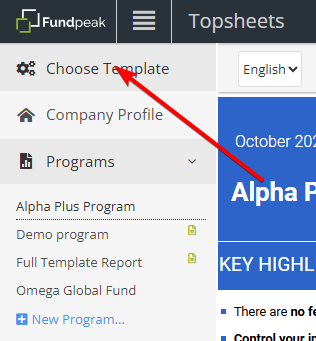
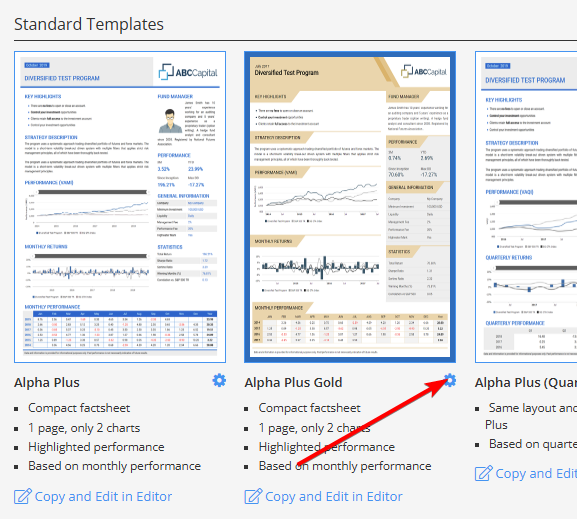
To access template settings click Choose template. Then select a template and click Settings icon.
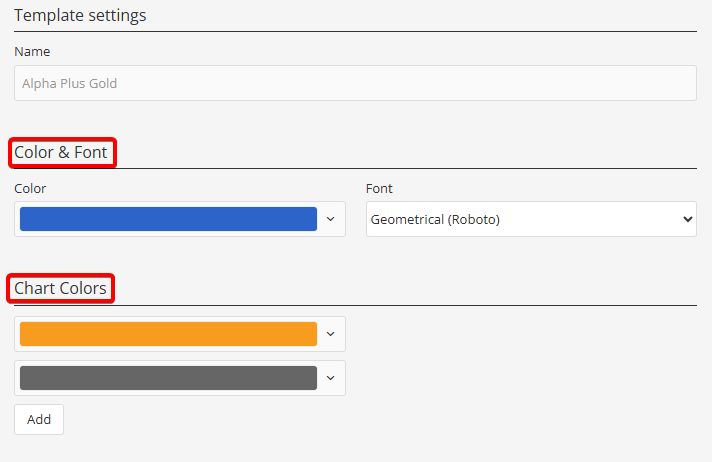
1) Color & Font and Chart Colors
In these sections, it is possible to update main template color, font and chart colors. See Change template color for more information.
2) PDF Settings
There are the same options available here as under company settings. Please note that template settings have priority over company settings.
See also:
Pdf print settings
Choose template for my program
Change template color