
Use this checklist before uploading a company-wide performance file through Company Profile / Mass Imports.
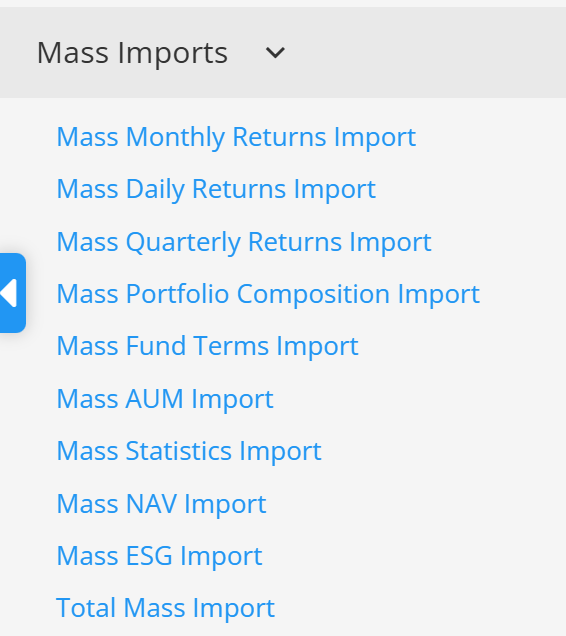
Use the mass-import sample
Download the sample for the selected data type. A file prepared for a single-program import does not have the same structure as a mass-import file.
Keep the spreadsheet structure and formatting
Do not rename or remove required rows and columns. Keep dates as real Excel date values and preserve the formatting from the sample file.
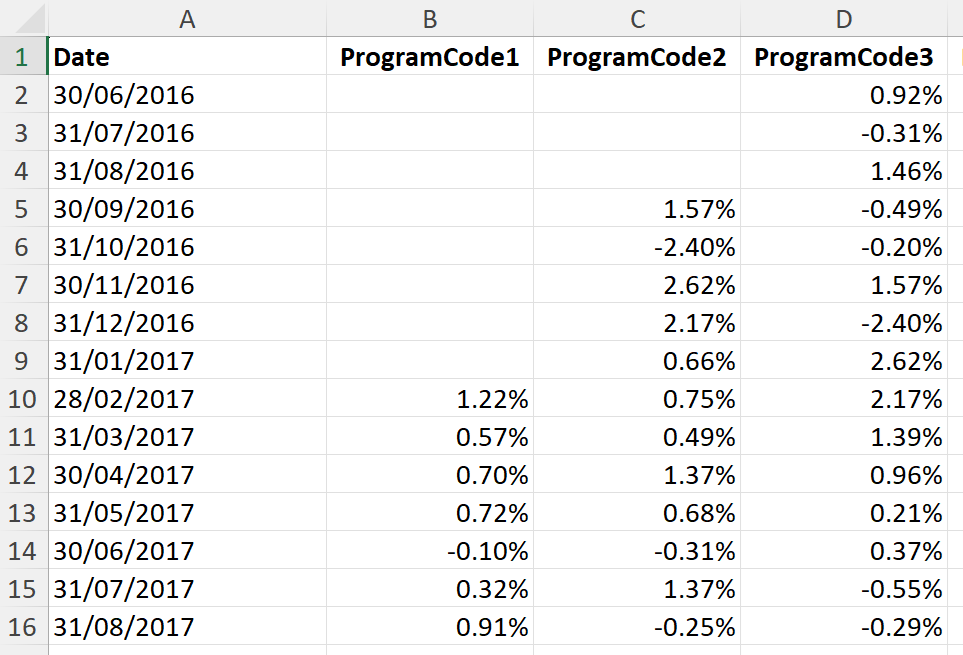
Check every program identifier
Each program column must use an identifier that matches a program in TopSheets. Missing, duplicated, or incorrect identifiers can place data under the wrong program or prevent validation.

Choose Full or Incremental import deliberately
Incremental import adds or updates the records in the file. Full import also removes existing records that are not included in the uploaded file.
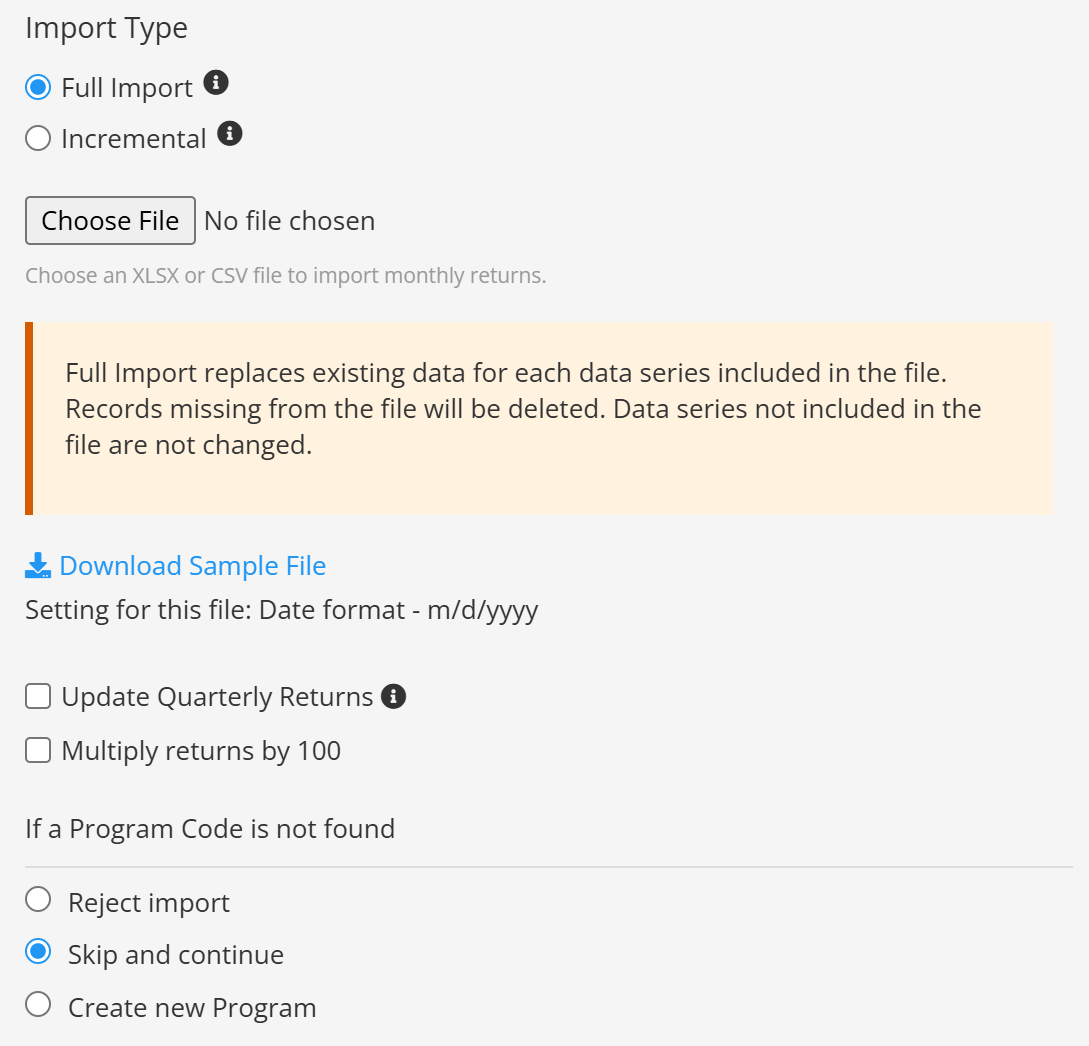
Use the correct percentage scale
Enable Multiply returns by 100 only when the source stores 5% as 0.05. Leave it disabled when the file already contains 5.
Review calculated related data
Options that calculate monthly or quarterly returns from a more frequent series can overwrite values already stored for those periods.
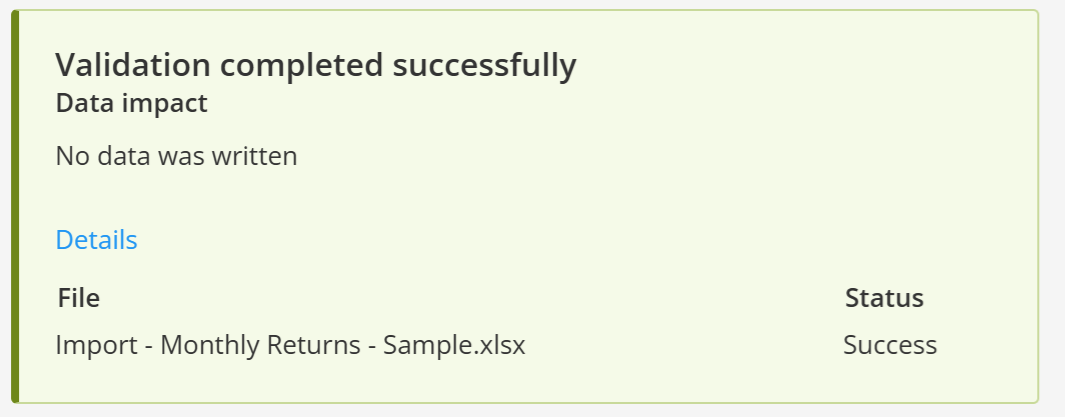
Validate before importing
Run Validate Data, review all reported rows and programs, and correct errors before starting the import. Also check that dates are ordered and contain no duplicate periods.
See Mass data import, Creating an import file, and Common mistakes when importing data for a single program.
Continue your fund reporting workflow
Use this guidance as part of a controlled fund factsheet data import and validation workflow. Continue with Update or import fund data and Fund factsheet production software.