
Performance data can be maintained at daily, monthly, or quarterly frequency where supported. NAV data is maintained separately. Use the section and sample file that match the source series.
Choose the correct frequency
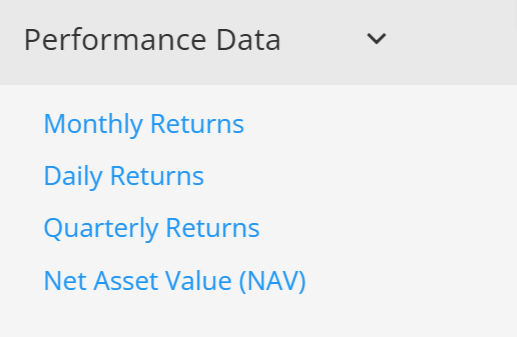
- Use Daily Returns for a daily return series.
- Use Monthly Returns for a monthly return series.
- Use Quarterly Returns for a quarterly return series.
- Use Net Asset Value (NAV) for a NAV series.
Do not upload the same series through a different frequency merely to change how it is displayed. The selected charts, tables, statistics, and template controls must support the required frequency.
Calculate a less frequent series
Where the import page provides the option, daily data can be used to calculate monthly or quarterly returns, and monthly data can be used to calculate quarterly returns. These calculations can overwrite values already stored for the target frequency, so review the options before saving or importing.
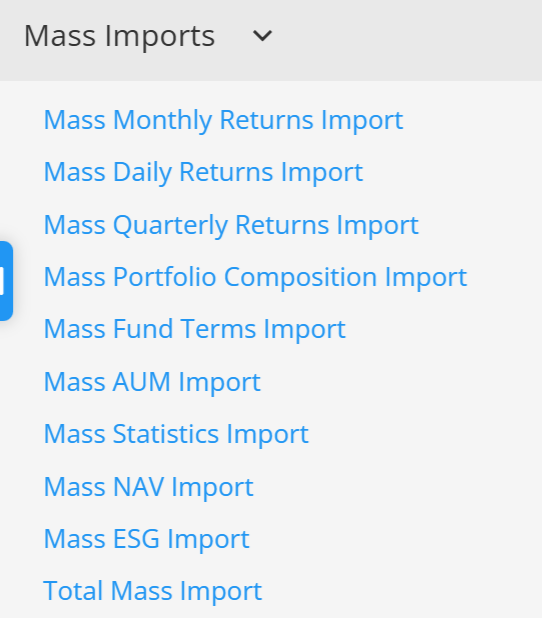
Always begin with the official sample for the selected page and keep its dates, structure, and formatting. See Update and import performance data for a single program, Mass data import, and Displaying daily data on your factsheets.
Continue your fund reporting workflow
Use this guidance as part of a controlled fund factsheet data import and validation workflow. Continue with Update or import fund data and Fund factsheet production software.