
An existing program can be classified as an index and then selected as a custom benchmark. This reuses its existing performance history instead of creating a duplicate data series.
Classify the source program as an index
- Select the program that should act as the benchmark.
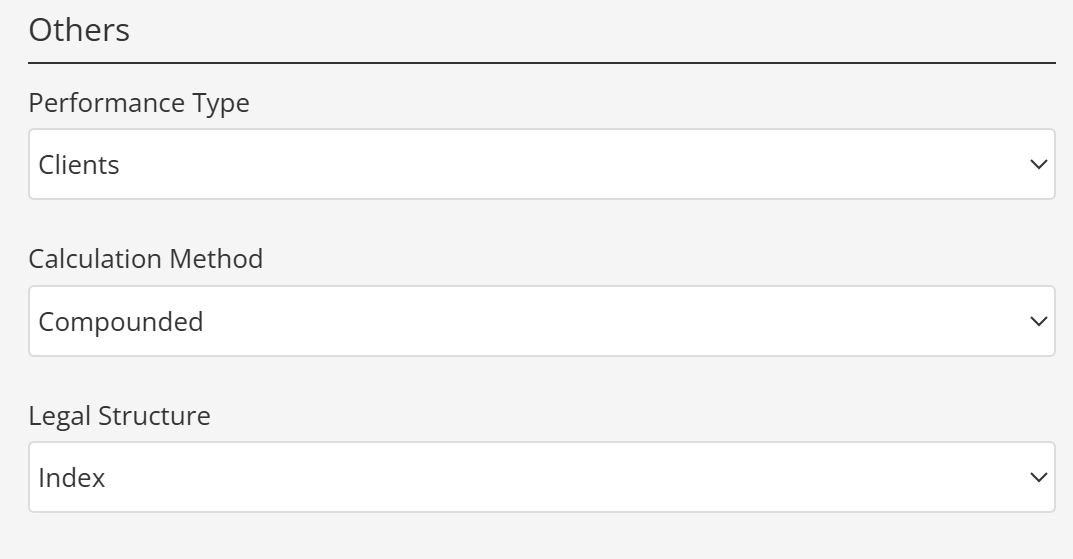
- Open Program Terms / Others.
- Set Legal Structure to Index.
- Save the program and refresh TopSheets.
Assign it to another program
- Select the target program.
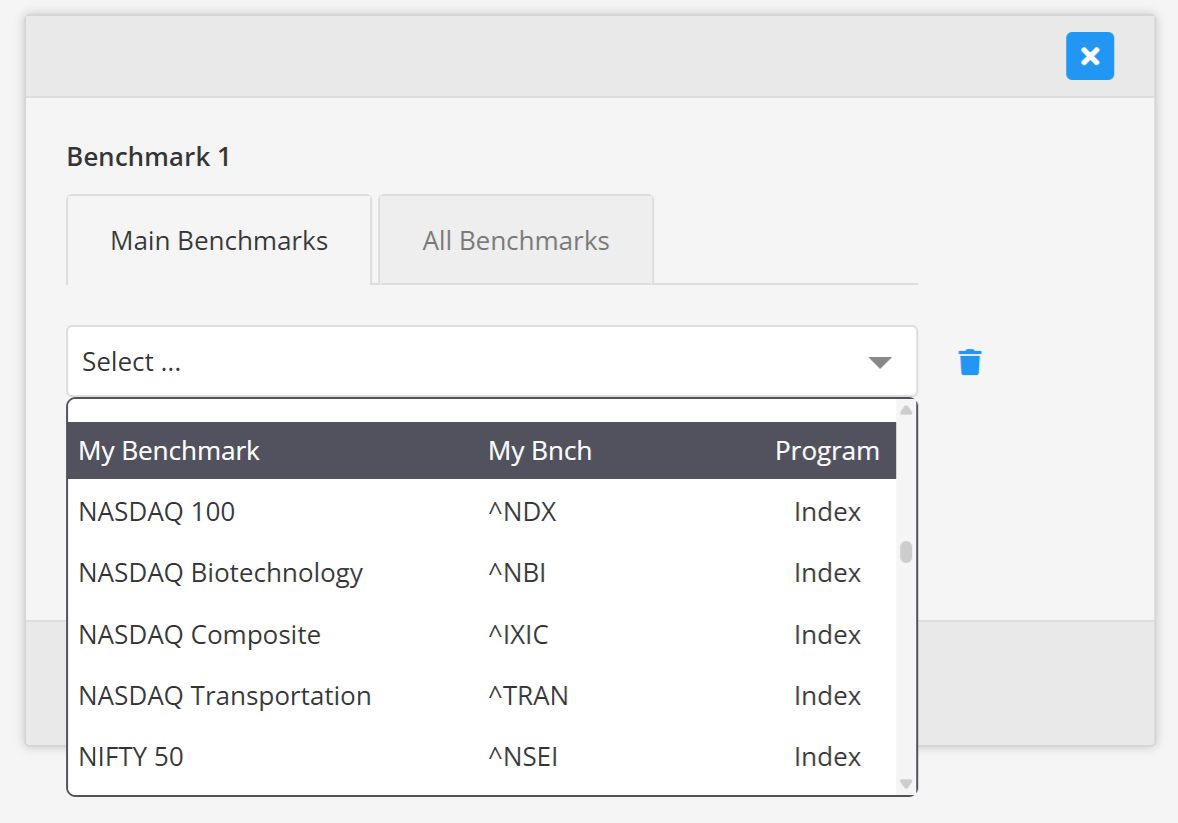
- Open Benchmarks.
- Choose the converted series from the available custom benchmarks.
- Save the program.
Future updates to the source program's performance data are then reflected in the benchmark series.
Changing Legal Structure changes how the source program is classified. If you need an independent benchmark with different data, create a separate custom benchmark instead. See Add a custom benchmark and Programs, custom benchmarks, and subscription limits.
Continue your fund reporting workflow
This feature supports consistent fund performance reporting and automated factsheet updates. Continue with Add and configure statistics and Fund factsheet production software.