
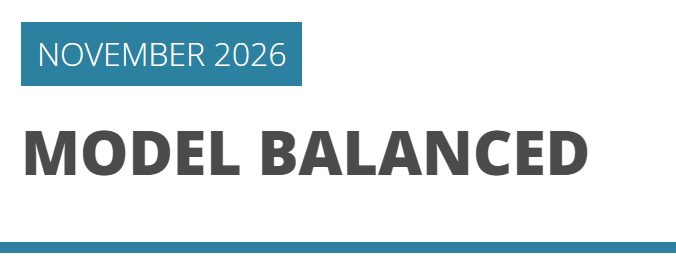
The report date updates automatically from the latest return available in the configured performance-data frequency. By default, it follows the latest monthly return.
Available date sources
The report date can follow the latest return in one of these data series:
- Monthly Returns — the default source
- Quarterly Returns
- Daily Returns
The configured source determines which return updates the date shown in the report.
Update the report date
- Select the relevant program.
- Open the configured section under Performance Data: Monthly Returns, Quarterly Returns, or Daily Returns.
- Add or import the return for the newest period and save the data.
- Refresh the report preview or generate the PDF again.
The report date moves to the latest available period in the configured return series.
Change the date source
If the report should use Daily or Quarterly Returns instead of the default Monthly Returns, contact Fundpeak support to adjust the report-date configuration.
See Update and import performance data for a single program.
Continue your fund reporting workflow
This feature supports consistent fund performance reporting and automated factsheet updates. Continue with Add and configure statistics and Fund factsheet production software.