
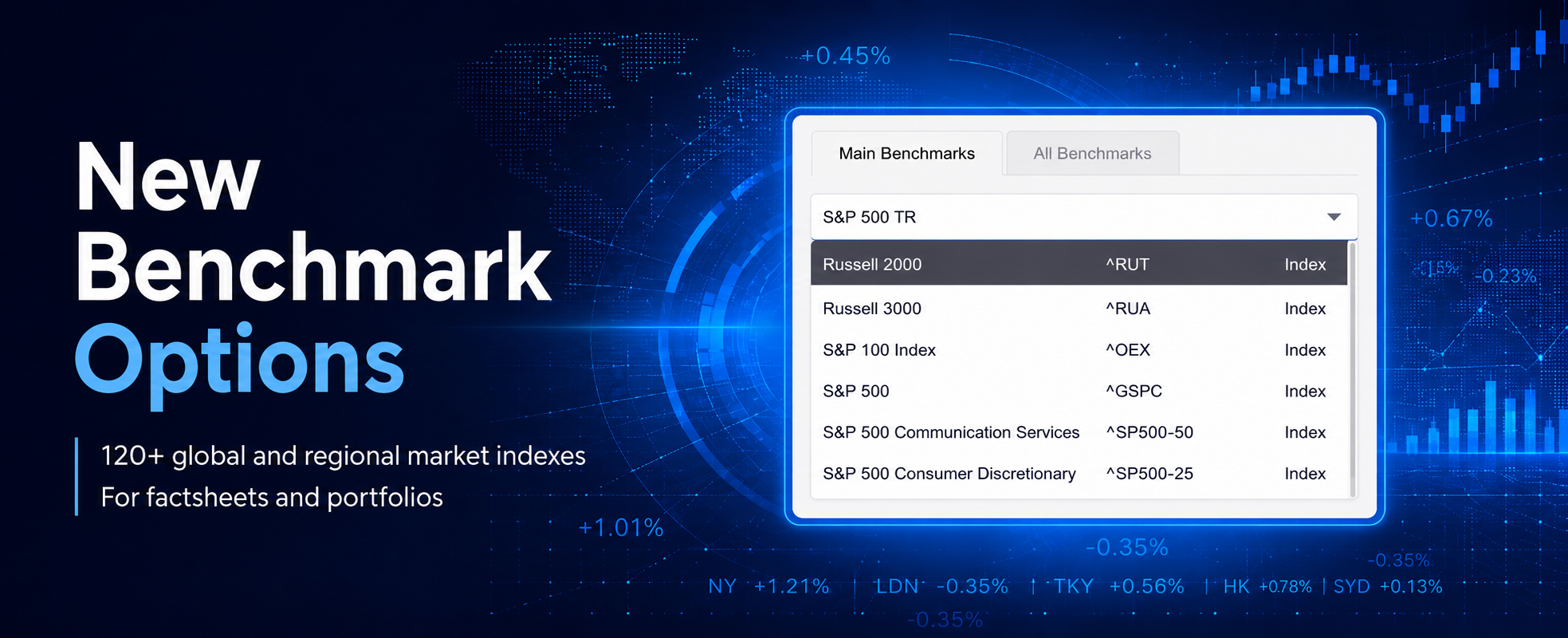
Choosing the right benchmark is essential when presenting fund performance. It gives investors meaningful context and helps them understand how a strategy performed relative to a relevant market.
We have expanded the market data available in TopSheets. Users can now access performance data for more than 120 global and regional market indexes directly in the platform.
Use indexes as factsheet benchmarks
The new indexes can be selected as benchmarks for individual funds and portfolios. Once a benchmark is assigned, it can be used throughout your factsheet to support performance comparisons, charts, tables, and benchmark-related statistics.
Indexes are now available in the Main Benchmarks section, where you can quickly search by index name or ticker. This makes it easier to find a suitable comparison for equity, fixed-income, regional, or broader multi-asset strategies.
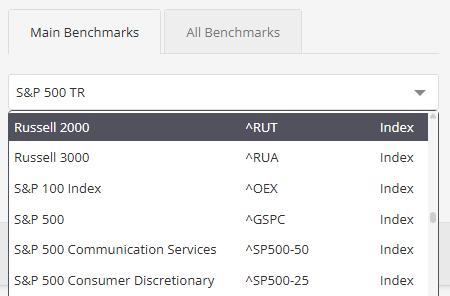
Whether you want to compare a global equity fund with a broad market index or provide a regional strategy with a more relevant local benchmark, you can select the appropriate index directly in the administration.
Add market indexes to portfolios
Indexes are not limited to benchmark comparisons. They can also be added directly to portfolio allocations, allowing you to incorporate index performance into portfolio reports and model allocations.
Together with access to performance data for thousands of ETFs and equities, the expanded market data universe gives you more flexibility when creating fund factsheets and portfolio reports.
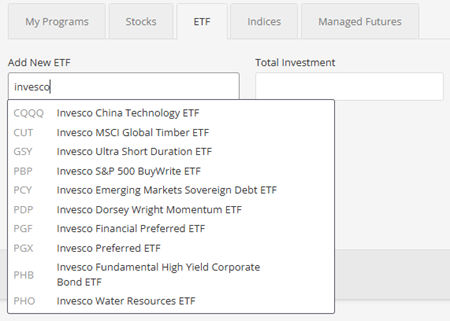
There is no need to manually upload benchmark performance data for the available instruments. Simply select the index you need and let TopSheets include it in your reporting workflow.
For setup guidance, see how to add a benchmark to an investment performance report.