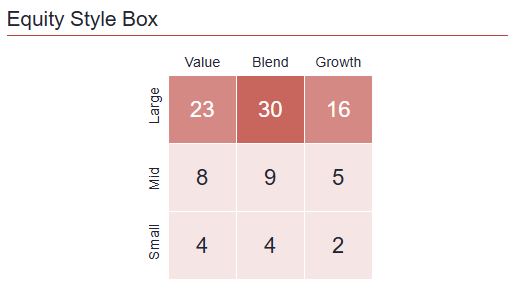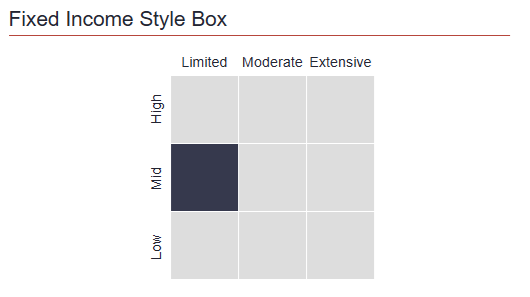
The Morningstar Style Box provides a nine-cell visual classification that can be displayed in a factsheet.
Enter Style Box values
- Select the relevant program.
- Open More Information / Morningstar.
- Choose the applicable pair of values: Investment Style and Capitalization, or Interest Rate Sensitivity and Quality.
- Save your changes.
The selected row and column determine which cell is highlighted in the Style Box.
Import Morningstar values
Supported Morningstar fields can be updated with Mass Fund Terms Import. Use the current sample file for the exact field names and accepted values.
The import also supports instrument counts for individual Style Box cells. These values control the number shown in each cell, and the cell shading reflects the size of the value.
Display the Style Box
In Template Editor, add the applicable Morningstar Style Box control. Open its settings to select the equity Style Box or fixed-income Style Box and configure the available display options.