
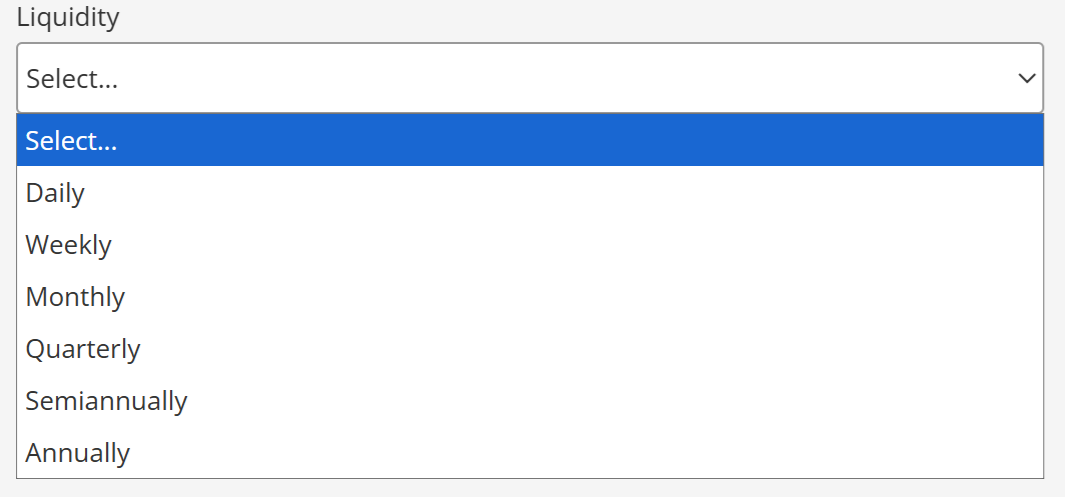
Use Liquidity to record how frequently a program offers liquidity. Available values are Daily, Weekly, Monthly, Quarterly, Semiannually, and Annually.
Enter liquidity
- Select the relevant program.
- Open Program Terms / Investment.
- Select the applicable value in Liquidity.
- Save the program.
Display liquidity in a factsheet
- Open the program's template in the Template Editor.
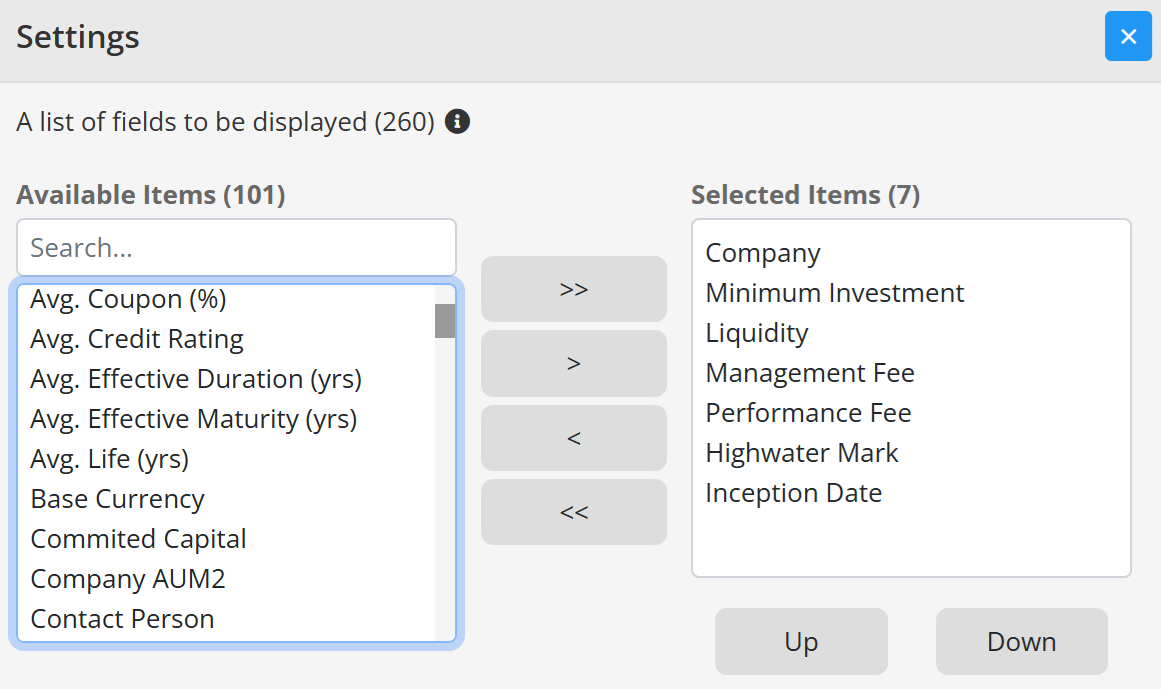
- Select the General Information table and open its settings.
- Enable Liquidity and save the template.
A template change affects every program using that template. See Edit General Information table items and Program and template adjustments.
Continue your fund reporting workflow
This procedure is part of a repeatable fund factsheet production workflow. Continue with Fund factsheet production software and Fundpeak Knowledge Base.