
TopSheets provides a set of portfolio-level bond metrics that can be entered manually, imported, and displayed in a factsheet.
Available bond metrics
- Yield to Maturity
- Time to Maturity
- Option-Adjusted Spread
- Option-Adjusted Duration
- Average Life
- Average Credit Rating
- Average Effective Maturity
- Average Effective Duration
- Average Coupon
Enter bond metrics
- Select the relevant program.
- Open Portfolio Composition / Bond Metrics.
- Enter the available values.
- Save your changes.
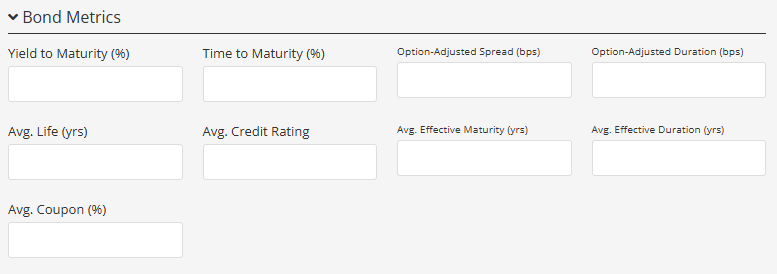
Bond Metrics is available for Bonds and other supported asset classes. If the section is not shown, check the program’s asset class.
Import bond metrics
Use the Bond Metrics category in Mass Portfolio Composition Import. Enter the metric name in the Field column and its numeric value in Value.
Display bond metrics in a factsheet
In Template Editor, add or select a General Information table. Open its settings and choose the bond metrics you want to display.